01
Prototypes and test models
Check dimensions, fit and operation before producing the final version.
Upload a 3D model, choose a material and see the exact price online. Then choose the colour, quantity, payment and InPost delivery.
Free online quote
Upload the model, choose a material and see the exact price.
Calculator price guarantee
The analysis takes longer than a simple price-per-gram calculation because we check the real print time, filament use, model orientation and supports. After payment, we do not add a mandatory file preparation fee or a hidden production surcharge.
From one part to a short series
3D printing works for both a single idea and repeat production of multiple items. You only need a ready 3D model that can be priced online immediately.
Check dimensions, fit and operation before producing the final version.
Order a device enclosure, panel, cover or fitted mounting component.
Print a support, adapter, organiser or mount prepared for a specific application.
Recreate an unavailable component when you have a correctly prepared 3D model.
Produce figures, scale models, decorations, accessories and your own ideas in a selected colour.
Order several or dozens of identical items without the cost of preparing a production mould.
From file to parcel
Add an STL, 3MF, STEP, OBJ or AMF file and choose a material.
We check orientation, printing time, filament use and whether supports are required.
Choose the colour, quantity and InPost delivery, then pay online.
Printed locally in Wroclaw
Collect the finished print in Wroclaw at no extra cost or choose parcel delivery anywhere in Poland.
See 3D printing in Wroclaw →Completed projects
From a replacement for a broken part and workshop tools to decorations and business displays. Each project presents the problem, solution and finished result.
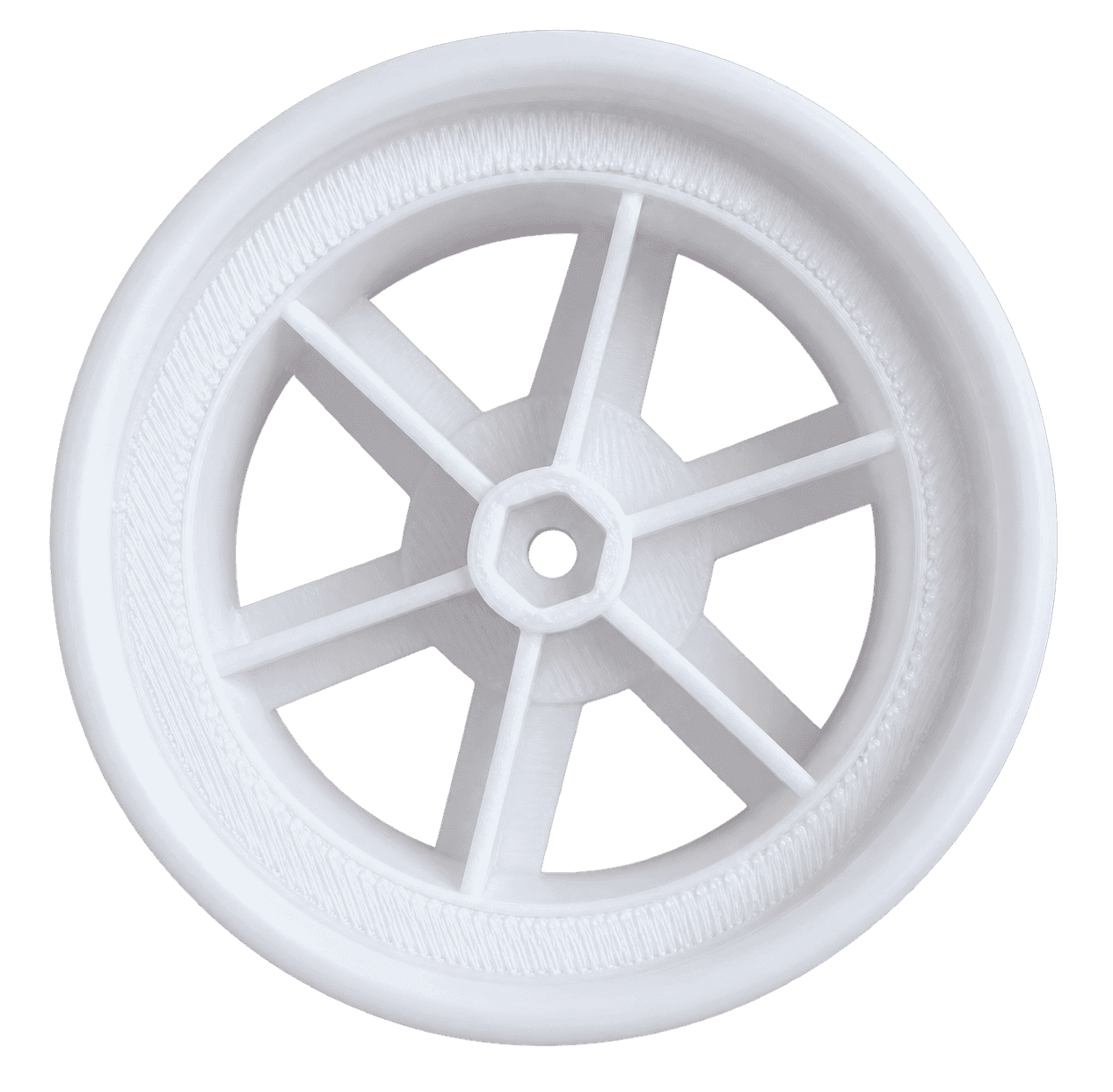
3D printing project
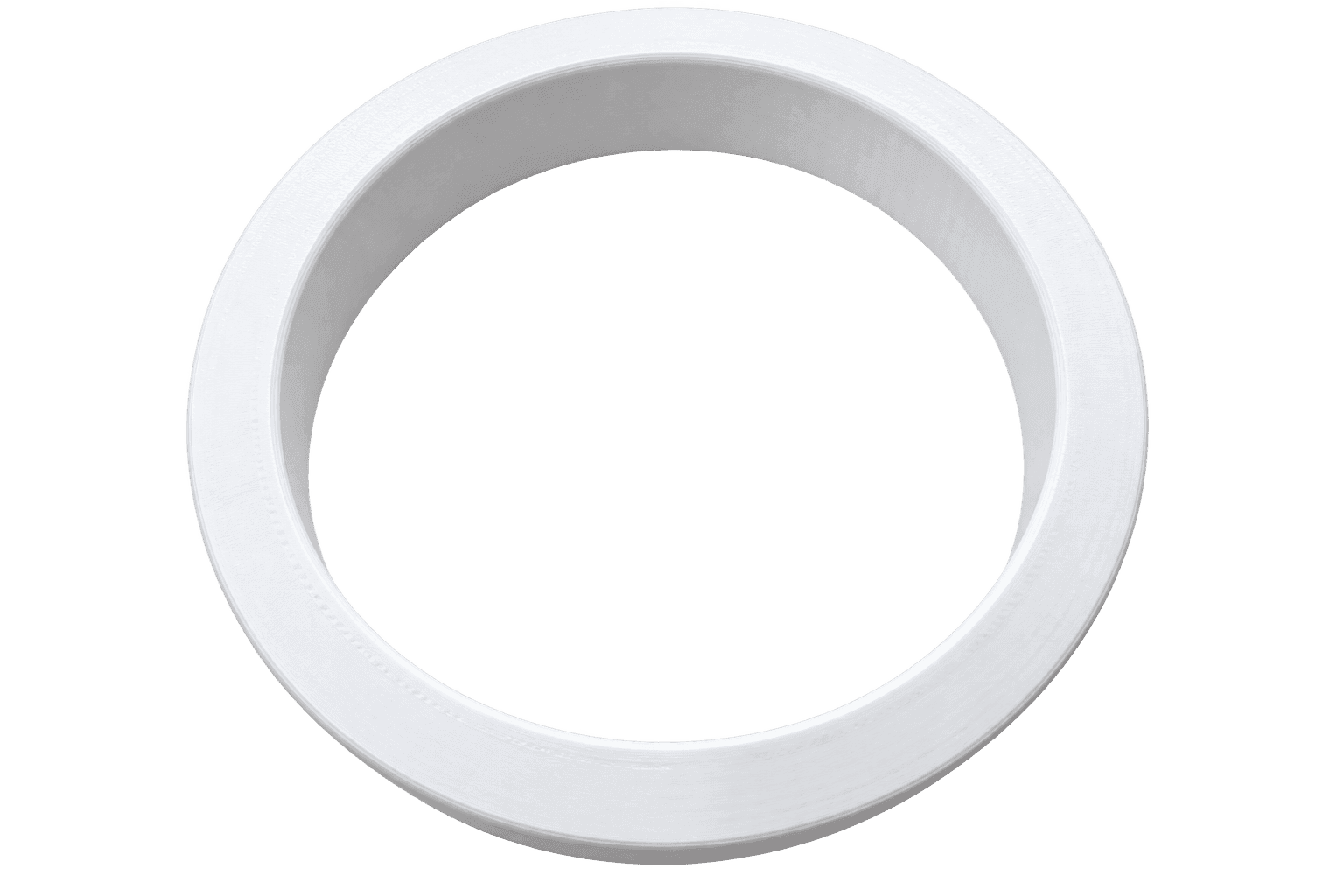
3D printing project
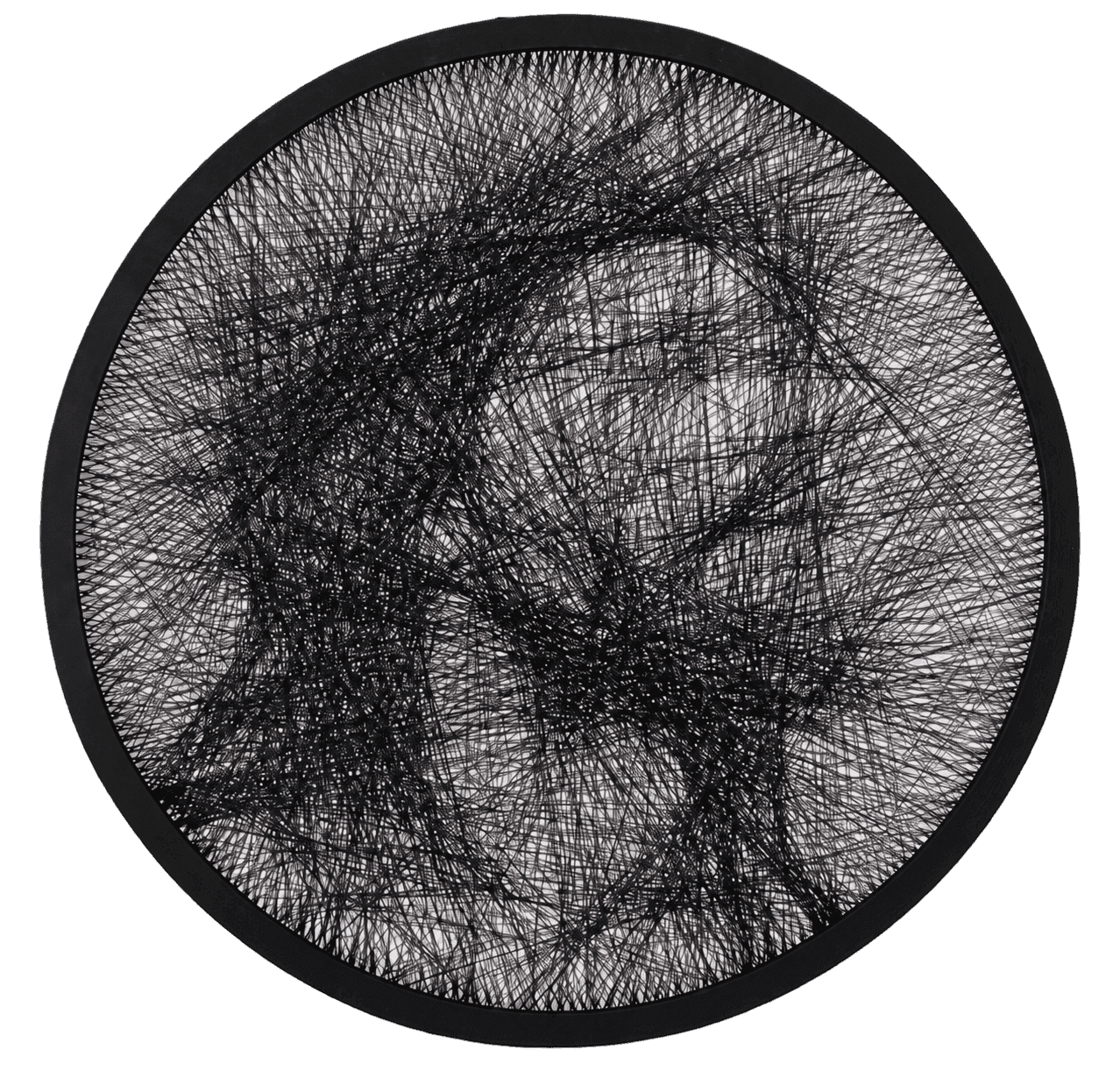
3D printing project
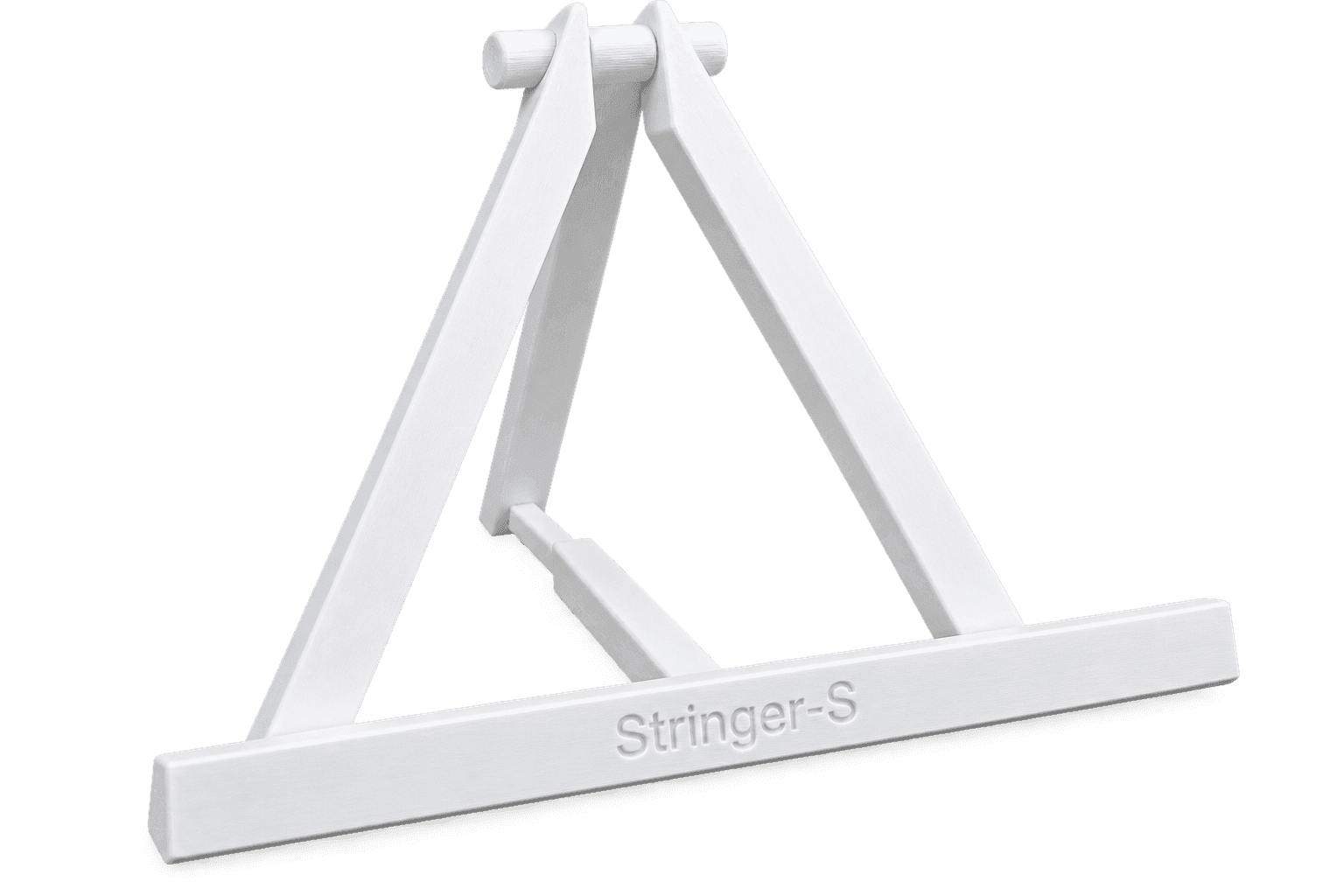
3D printing project
Reviews from Printer-S, Allegro and Google Maps
Company ratings are shown separately, while order and product reviews are combined so each average clearly describes what was rated.
Overall reviews of Printer-S and public Google Maps reviews. A Printer-S company review can be submitted only once per customer.
Average company rating
★★★★★
Based on 21 ratings included in this category
Waldemar Fedak
★★★★★
„It is genuinely very difficult to find such a good service: - excellent communication - if they cannot answer at that moment, they will definitely call back shortly - the print was better than I expected - a very affordable price - turnaround time - fairly quick, especially considering they clearly have plenty of work - expert advice - the professionalism is obvious I recommend them wholeheartedly.”
October 2026
Paweł Wróbel
★★★★★
„A great experience with this company. This was my first time commissioning a 3D print, as I have a 3D printer at home but only print with PLA. I needed a print made from a material with better temperature resistance. Placing the order was easy, the price was reasonable, and the turnaround was probably faster than the promised five days. The print is excellent. Highly recommended.”
October 2026
Chevro
★★★★★
„The workmanship is of very high quality. I am very pleased with how the project turned out.”
October 2026
grzegorz szyder
★★★★★
„Everything was easy to generate, and the company is always happy to help. Highly recommended!”
October 2026
Małgorzata Mielczarek
★★★★★
„Highly recommended! Excellent quality and very good prices. A big plus is the calculator, which lets you quote several models at once - it is convenient and saves time. On top of that, the loyalty programmes and promotions help you save even more!”
October 2026
Marcin Jaroch
★★★★★
„The order was completed well and quickly. The automatic quote and the extensive customisation options on the website are a big plus.”
October 2026
eGleba
★★★★★
„An intuitive ordering process and fast turnaround. The order was well packaged. Highly recommended.”
September 2026
Marcin Pacyna
★★★★★
„I am very pleased with the service. Being able to get a quote on the website is wonderful. The print quality is very good. The price is genuinely reasonable, and the pickup option…”
Excerpt - the complete review is available on Google Maps.
September 2026
Three ways to pay less
Order more identical items and use your Printer-S account to combine a volume discount, an account loyalty discount and a reduction earned with Printer-S Prints.
Automatic in the basket
Each additional identical item increases the discount by 0.5 percentage points. No code or individual enquiry is required.
For signed-in customers
Your tier is based on the value of paid prints from the last 360 days. The current discount is applied automatically after sign-in.
Activity rewards
Each started hour of paid print time earns 1 Print. You can earn additional Prints for a review and an approved customer project. From 50 Prints, they can reduce up to 20% of the print value. All print discounts are capped at 35% in total.
We apply the volume discount first, followed by the loyalty discount and then Printer-S Prints. Discounts apply to the print value. Delivery and optional services are charged separately.
See the discount rulesPrinter-S quality guarantee
Has the print arrived damaged, does it have a production defect or does it differ from the agreed order? Contact us. We will review the issue and propose a clear solution.
Report a print problemWe check order completeness, print surfaces and visible production defects before the parcel is handed over for delivery.
If the part does not fit as expected, we compare the print with the model, dimensions and agreed order scope.
If the issue was caused by our production process, we will propose a suitable correction or print the part again.
Accepted payment methods
Digital wallet availability depends on the device, browser and the user's account configuration.
Payments are encrypted and handled by Stripe. Printer-S does not store card details.
Clear pricing without waiting
Every model is priced individually using PrusaSlicer data. You do not pay according to an arbitrary price list, and before ordering you can see the unit price and the complete cost summary.
PrusaSlicer estimates the time required after checking the best model orientation and the selected settings.
The calculator reads the estimated filament mass. A larger model, supports and a higher infill increase material use.
Layer height, nozzle diameter, infill and supports affect printing time, surface quality and the amount of material required.
After receiving the quote, choose the quantity. InPost parcel locker or courier delivery is calculated separately from the total order volume.
Help with choosing parameters
There is no single best setting for every model. Higher accuracy usually means a longer print, while faster production can reduce the reproduction of the smallest details. The most important differences are explained below.
Affects appearance, detail and printing time
This is the thickness of each horizontal model layer. The lower the value, the more layers the printer needs to produce.
Tip: A universal choice is usually 0.20 or 0.25 mm. The 0.25 mm nozzle offers profiles from 0.05 to 0.15 mm, while the 0.8 mm nozzle offers profiles from 0.30 to 0.55 mm.
Read the settings guides →Affects accuracy, speed and wall thickness
This is the diameter of the opening through which filament flows. A smaller nozzle produces thinner lines, while a larger one extrudes more material in the same time.
Tip: A 0.25 mm nozzle is best for the smallest details, 0.4 mm is universal, 0.6 mm speeds up larger models and 0.8 mm is intended for the largest simple parts.
Read the settings guides →Affects weight, material use and stiffness
Infill creates the internal structure of the model. A print does not have to be solid to remain stable and strong in typical applications.
Tip: 20% is a safe starting point for most orders.
Read the settings guides →Affects the number of outer perimeters and part durability
Perimeters form the outer walls of a model. Increasing their number often improves strength more effectively than using very high infill.
Tip: Choose the standard option unless you have special requirements. Any safety-critical part should be tested separately.
Read the guide to print perimeters →Affects the appearance of flat surfaces and printing time
Ironing adds extra hot-nozzle passes over the highest flat surfaces, using a small amount of material to smooth the extrusion lines.
Tip: Enable smoothing only when a visible horizontal top surface matters. It does not smooth the sides or the entire model.
Learn when ironing is useful →Affect whether overhangs and difficult shapes can be printed
Supports are temporary structures placed under sections that would otherwise be printed in mid-air. They are removed after printing.
Tip: The calculator analyses the model and tells you when supports are recommended.
Read the settings guides →Affects appearance, resistance and the final application
Choose a material for where and how the finished part will be used. Each filament has different strengths.
Tip: Choose PLA for appearance, PETG for functional parts, ABS for heat, ASA outdoors, TPU 95A for flexible parts, Nylon for wear, and PA12-CF15 for low weight, rigidity and heat resistance.
Read the settings guides →3D printing materials
Material affects not only price, but above all the resistance and appearance of the finished part. Choose it for the application rather than price alone.
Best for
Decorative models, prototypes, figures and indoor parts
More about printing with PLA →Best for
Brackets, enclosures, functional parts and items exposed to moisture
More about printing with PETG →Best for
Technical components, enclosures and parts used at elevated temperature
More about printing with ABS →Best for
Brackets, covers and enclosures used outdoors
More about printing with ASA →Best for
Bumpers, feet, protective covers and flexible mounts
More about printing with TPU 95A →Best for
Gears, guides, bushings, clips and moving technical parts
More about printing with Nylon →Best for
Lightweight, very rigid brackets, machine parts and functional prototypes
More about printing with Carbon-fibre Nylon (PA12-CF15) →Tell us about the place of use, moisture, loads and working temperature. The free selector will recommend the most suitable material for your print.
Printer-S catalogue
Browse the catalogue by category. Open a product in the calculator, configure it and order it together with your own projects.
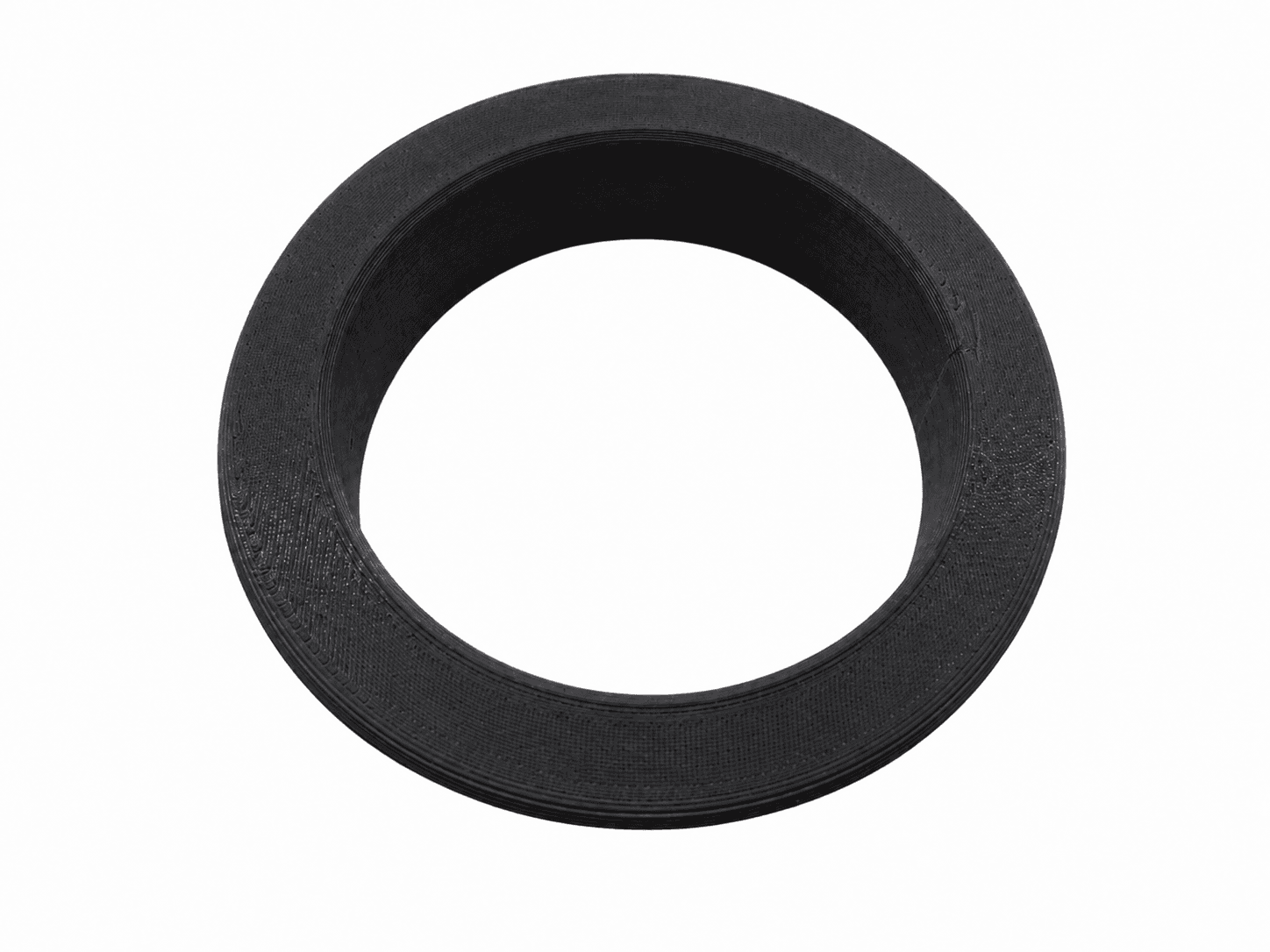
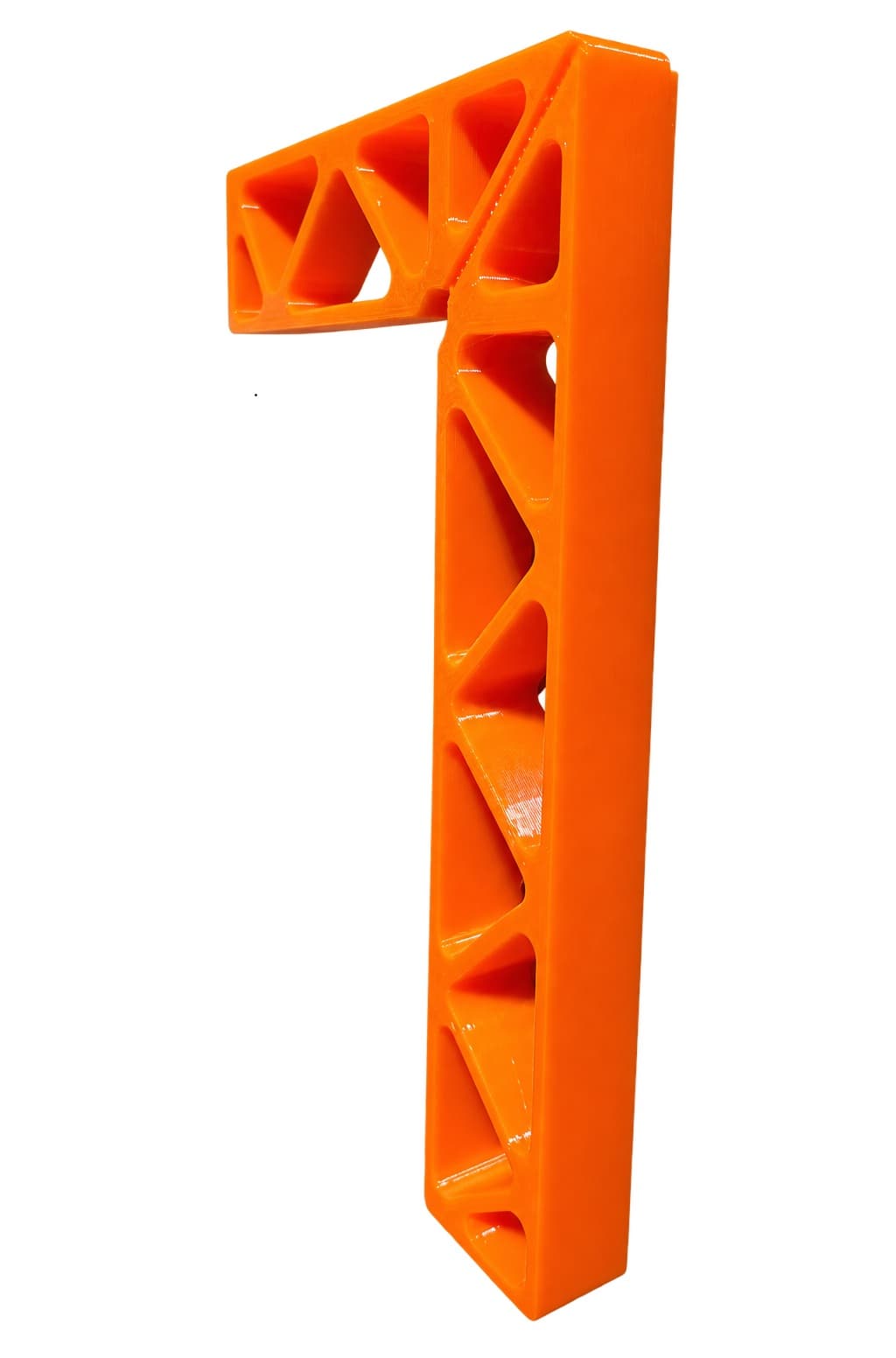
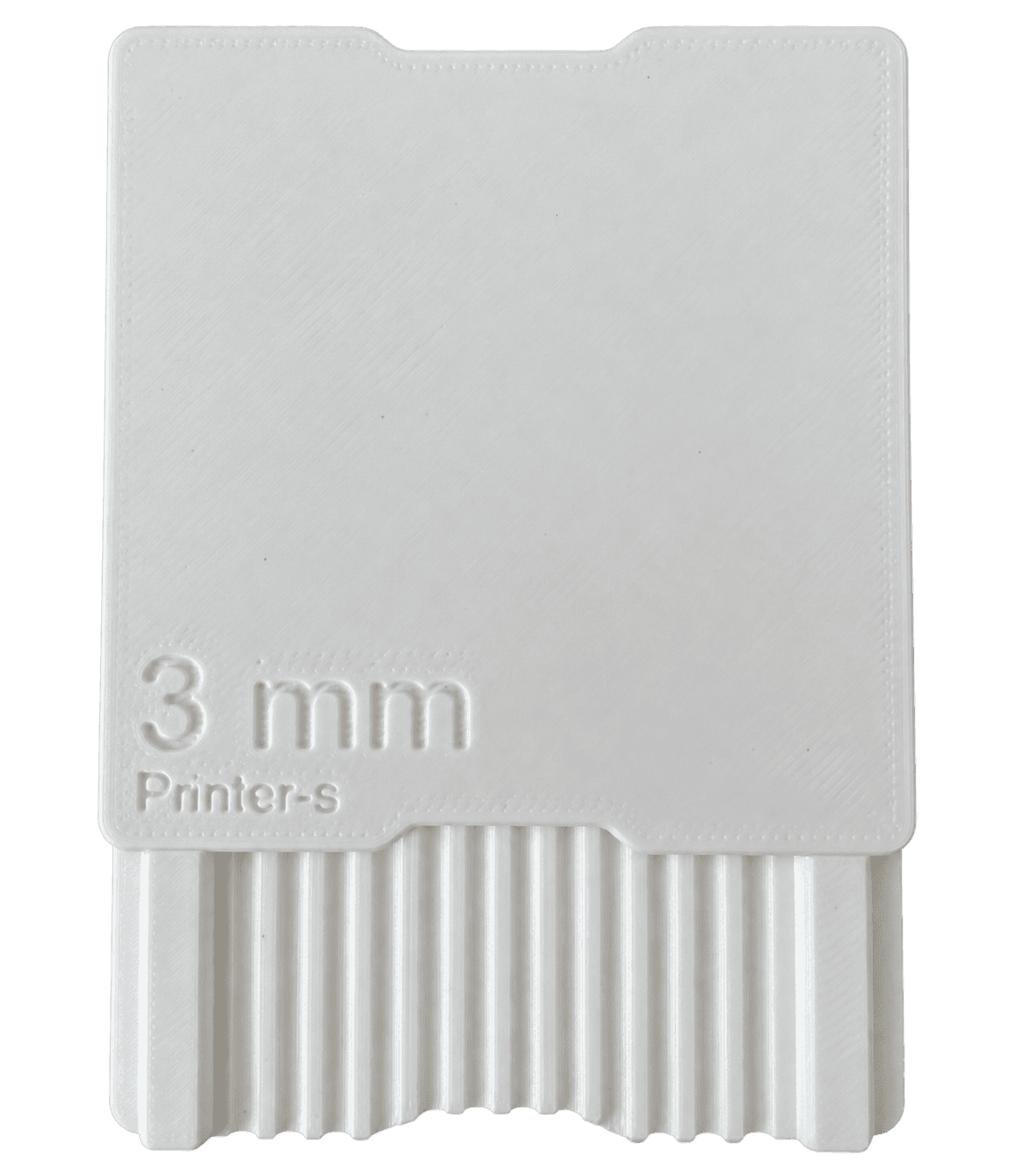
3D printing services
Explore production options, material limitations and practical guidance for a specific type of project. Each page links directly to the calculator.
Order accurate and affordable PLA 3D prints for indoor parts, prototypes, models, organisers and decorative objects.
View service →Order durable PETG 3D prints for frequently handled parts, moisture exposure, brackets, covers and practical workshop components.
View service →Order technical ABS 3D prints for parts that need improved temperature resistance and mechanical performance.
View service →3D printed prototypes from Printer-S. Learn about suitable applications, materials, online pricing and ordering a custom FDM print.
View service →3D printed spare parts from Printer-S. Learn about suitable applications, materials, online pricing and ordering a custom FDM print.
View service →Small batch 3D printing from Printer-S. Learn about suitable applications, materials, online pricing and ordering a custom FDM print.
View service →We design printable 3D models from dimensions, sketches, photos or an existing part and prepare them for reliable FDM production.
View service →Upload an STL file, preview the model, compare print settings and order the finished part online with an exact price before payment.
View service →3D printed enclosures from Printer-S. Learn about suitable applications, materials, online pricing and ordering a custom FDM print.
View service →3D printed brackets and mounts from Printer-S. Learn about suitable applications, materials, online pricing and ordering a custom FDM print.
View service →3D printed figurines from Printer-S. Learn about suitable applications, materials, online pricing and ordering a custom FDM print.
View service →3D printing for electronics from Printer-S. Learn about suitable applications, materials, online pricing and ordering a custom FDM print.
View service →Seal porous FDM prints against water, liquids or gases with a Dichtol impregnation process selected for the material and part geometry.
View service →Technology and a fair process
A low price does not have to mean random settings or anonymous outsourcing. We combine proven Prusa machines with automated analysis and a simple online order process.
Our machine fleet is based on European Prusa printers. Build area: 300 × 300 mm.
A precise extruder helps produce even layers, clean edges and repeatable quality across every printed item.
We do not send your model to external Chinese printing services. Your file is used only by our calculator and to fulfil your order.
PrusaSlicer compares model orientations, estimates time and material, and checks whether automatic supports may be required.
Printer-S in numbers
Printer-S is only 2 months old. These are the results we have achieved since day one.
3D printing without borders
Each point marks a destination reached by one of our completed prints. We do not publish addresses or any customer data on the map.
Hover over or select a point to see the destination name.
Our 3D prints have already reached customers in Wrocław, Warsaw, Kraków, Poznań, Katowice, Łódź and Rzeszów, as well as Germany, the Czech Republic, Slovakia and Hungary.
Automation and transparent fulfilment
Most of the process is automated, so you do not need to wait for a manual quote or ask by email what is happening with the order.
Already have an order number?
An honest view of FDM technology
3D printing can produce a finished part quickly without an expensive mould, but it has different properties from injection moulding. Account for them while preparing the model.
FDM prints are produced layer by layer, so fine lines may be visible. A lower layer height improves the surface but increases printing time.
Filament changes dimensions slightly during printing and cooling. Holes, clips and sliding parts should be designed with suitable clearance.
Supports make difficult overhangs possible, but the contact surface can be rougher after removal than the rest of the model.
Layer orientation affects resistance to loads. Material, infill and geometry should match the intended application.
Tip: when two parts are intended to connect, include assembly clearance directly in the model.
Printer-S knowledge base
Short guides help you avoid an incorrect scale, choose filament, reduce supports and avoid paying for parameters the model does not need.
How to prepare an STL file for 3D printing. A practical Printer-S guide explaining how this topic affects FDM print quality, strength, time and cost.
Read →02PLA or PETG. A practical Printer-S guide explaining how this topic affects FDM print quality, strength, time and cost.
Read →03How to choose infill. A practical Printer-S guide explaining how this topic affects FDM print quality, strength, time and cost.
Read →04When does a model need supports. A practical Printer-S guide explaining how this topic affects FDM print quality, strength, time and cost.
Read →05How to reduce 3D printing cost. A practical Printer-S guide explaining how this topic affects FDM print quality, strength, time and cost.
Read →06Order UV-resistant ASA 3D prints for outdoor brackets, covers, housings and parts exposed to weather and elevated temperature.
Read →Questions before ordering
The most important information about pricing, materials, delivery and payment in one place.
Go to the 3D printing quoteThe price depends on printer operating time, filament mass and type, model settings and quantity. Upload an STL, 3MF, STEP, OBJ or AMF file to receive an individual online quote.
Upload a 3D model and choose the settings and material. The calculator analyses orientation, printing time, filament use and whether supports are required, then shows the unit price.
Yes. After selecting quantity, extra services and delivery, the final summary shows the complete order amount. We do not add mandatory fees after payment. If the submitted model cannot be produced, we will contact you and refund the payment.
Yes. After receiving the quote, you can choose from 1 to 500 items. The summary shows the unit price, total printing cost and the suitable delivery option.
We recommend PLA for attractive models, PETG for functional parts, ABS for elevated temperatures, ASA for outdoor use, TPU 95A for flexible components and Nylon for parts exposed to friction and wear.
Contact Printer-S
If the calculator does not answer every question about your project, call or send us a message. You can attach a model, documentation or a photo of the part.
Help with a quote and model
+48 723 435 267Call if you need help with a 3D file, settings or an order.